
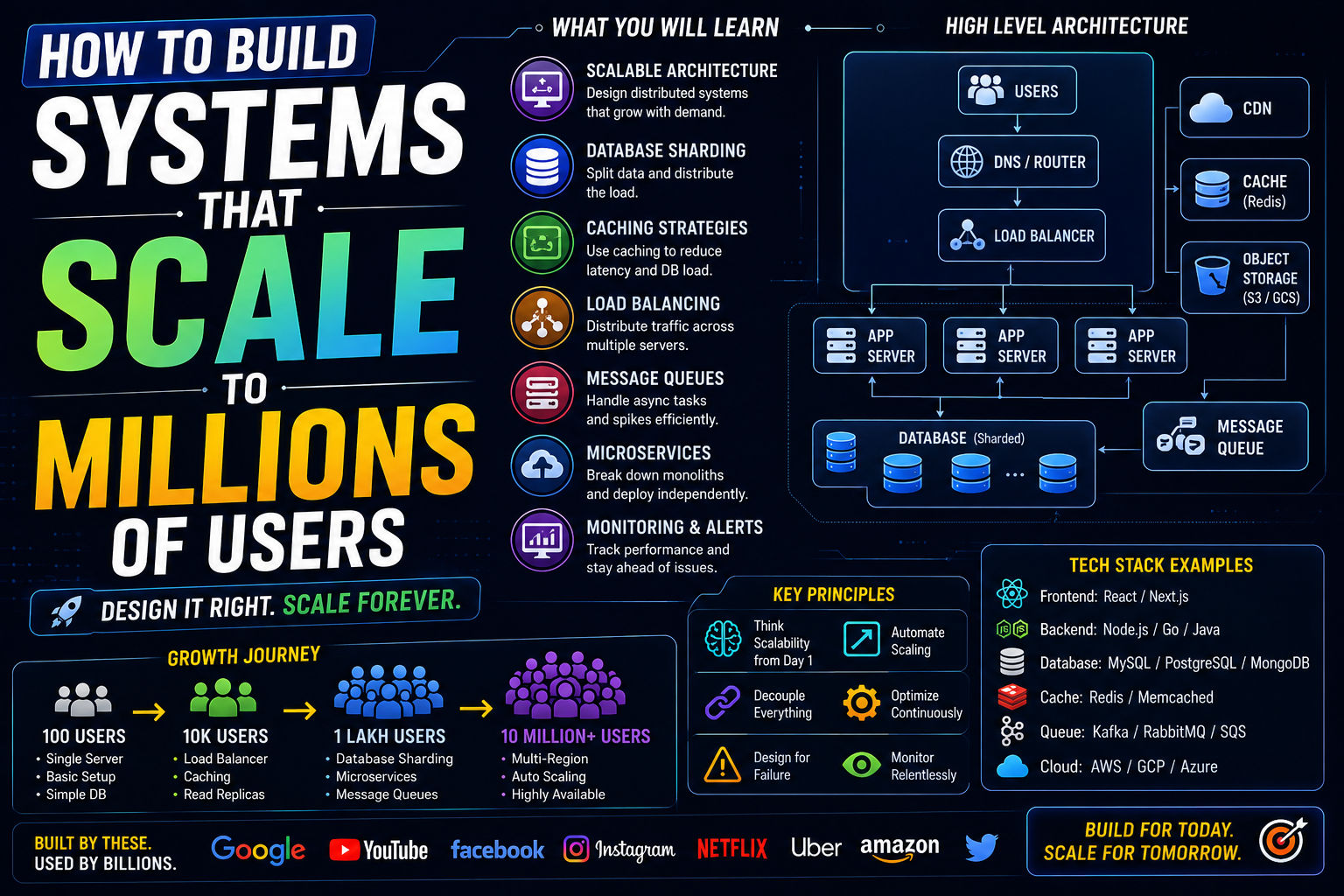
How to Build Systems That Scale to Millions of Users

Most "free tools for developers" lists are really just SEO bait stuffed with anything that has a free tier, useful or not. This one is shorter on purpose: tools that are genuinely free (not a crippled trial), and that a working developer would actually keep installed.
Writing and Editing Code
VS Code
Still the default choice for most developers, and for good reason: a huge extension ecosystem, solid built-in Git support, and enough customization to fit almost any workflow without feeling bloated.
Vite
If you're doing frontend work, Vite's dev server startup time alone is worth switching for if you're still on an older bundler setup. Fast feedback loops matter more to daily productivity than most tooling decisions.
Testing and Debugging
Postman (free tier)
For anyone working with APIs, Postman's free tier still covers the vast majority of what an individual developer or small team needs for testing and documenting endpoints.
Your browser's built-in dev tools
Easy to overlook because it's not a separate download, but modern browser dev tools handle network inspection, performance profiling, and accessibility auditing well enough that many paid tools are solving problems that don't exist anymore.
Design and Prototyping
Figma (free tier)
Even for developers who don't consider themselves designers, Figma's free tier is enough to mock up a layout, grab exact spacing and colors from a design file, or collaborate with an actual designer without a paid seat.
Productivity and Documentation
Excalidraw
For quick system diagrams and architecture sketches, Excalidraw's hand-drawn style is oddly effective at making diagrams easier to read at a glance, and it's completely free with no account required for basic use.
Markdown-based note tools
Whether it's a simple local markdown editor or a free-tier note app, keeping technical notes in plain markdown means they stay portable and searchable for years, unlike notes locked in a proprietary format.
What Didn't Make the List
Deliberately left off: tools where the "free" tier is so limited it's really just a trial funnel, and anything that requires handing over significant personal or company data just to try a basic feature. If a tool's free tier feels engineered to be almost unusable, that's a signal about the company's priorities, not a reason to feel bad about not using it.
Final Thoughts
None of these tools are exotic or little-known. That's kind of the point: the free tools that stick around and stay useful are usually the boring, well-maintained ones, not the newest launch on a product discovery site. Try one or two you're not already using before assuming your current setup is the only option.